

345e Pakistan
345e Game Pakistan
Find Aviator, slots and live casino games in the 345e lobby. Use your Pakistan mobile number to open or return to your account.

Welcome offer
30% first-deposit offer
The cashier shows PKR 30 on the PKR 100 first-deposit tier. Open Promo to check the amount and rules for your tier.

Explore the lobby
Aviator, Mines and Crazy Time
Use Search or Hot to find a familiar game. Check its rules and stake settings before the first round.
- Slots, live and mini games
- Easypaisa, JazzCash and Bank Transfer
- No withdrawal fee
- Mobile access on Android and iPhone
Find the game or account option you need
Use Search if you already know the game title. Browse Hot for featured games, or choose Slots, Live or Mini Games to compare how rounds work.
Returning players can use the login guide for phone or code access. For deposits and withdrawals, see which PKR methods are available and what details to check in the cashier.
Choose a game by how it plays
Aviator, Mines and Crazy Time put different decisions in your hands. Use the game guide to compare how a round plays.
Aviator
Crash-style
Cash-out decisionMines
Mini games
Choose tilesCrazy Time
Live
Live wheel
Featured games and lobby tabs
See the difference between a game title, a provider collection and a sports section.
- Slots
- Poker and card games
- Live casino
- Mini games
- SportsThe lobby displays a 9Wickets Sports tile. Check the event time and market rules before choosing a selection.See the sports section
Six picks from the 345e lobby
Deposit offers, Spin & Win and VIP
See the first-deposit offer or open Invite for a Spin & Win draw on your first login of the day. Compare QR deposit offers in Promotions and check your member benefits below.
 Welcome offer
30% first-deposit offer
The cashier shows PKR 30 at the PKR 100 first-deposit tier. Open the campaign to see bonus amounts for other tiers and the conditions that apply.
Check the active first-deposit tier, method and campaign rules.
View rules
- Open the first-deposit banner before funding the account.
- Check whether the amount you plan to deposit qualifies and how bonus funds can be used.
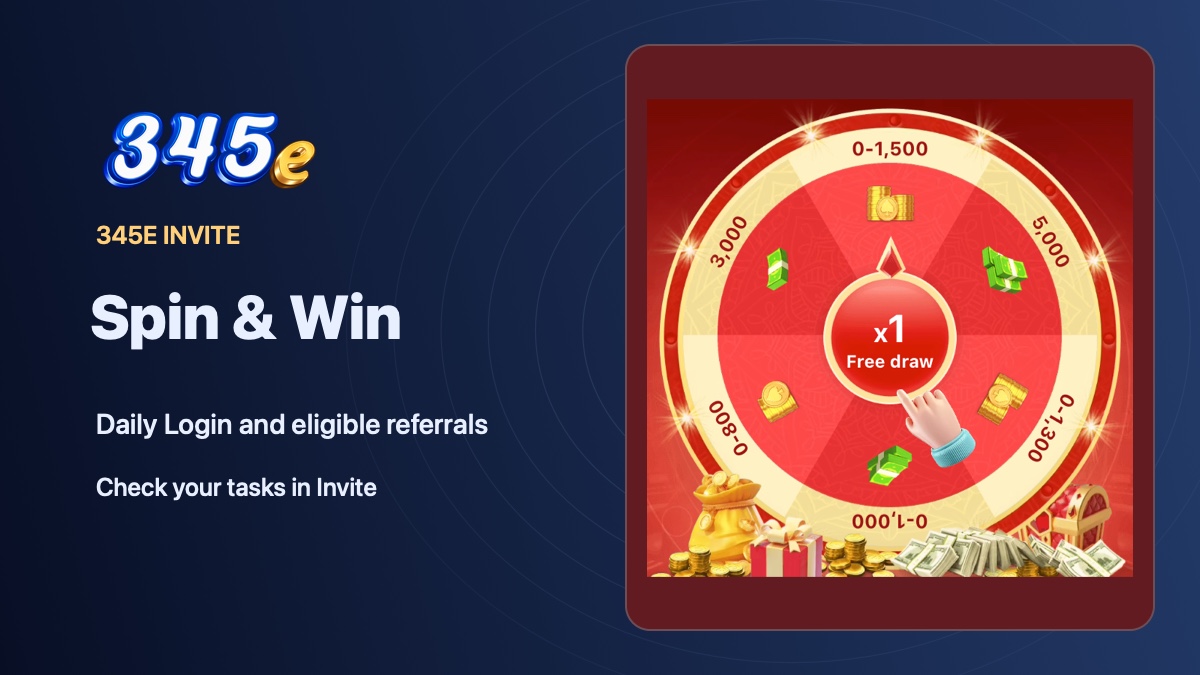 Invite rewards
Spin & Win free draws
Get one free spin on your first login of the day and another for each friend who registers and installs the app through your invitation. The three-day campaign is open without a VIP level requirement.
Apply to withdraw campaign rewards once they reach PKR 1,500.
View rules
- Use Share in the campaign to send your invitation. Each friend who successfully registers and installs the app through it earns you one spin.
- Your first login of the day earns one free spin. The campaign runs for three days from its start.
- When accumulated campaign rewards reach PKR 1,500, you can submit a withdrawal request for automatic review.
- Accumulated rewards and unused spins reset when the campaign ends. After you successfully claim the bonus, you can start a new round.
345e VIP member benefits
Open the VIP guidePKR deposits and fee-free withdrawals
Use Easypaisa, JazzCash or Bank Transfer. Normal withdrawals are reviewed within 120 seconds and credited immediately after approval.
- JazzCash
- Easypaisa
- Bank Transfer
Before you scan a deposit QR
- Open Deposit and select the method shown for your account.
- Match the amount and receiver in your wallet.
- Keep the order number and receipt.
Withdraw PKR 110–194,000 per request
- Per request
- PKR 110–194,000
- Withdrawal fee
- No withdrawal fee
- Review
- Within 120 seconds
- Credit
- Immediately after approval
Open 345e on your phone
Download options and browser access
Open Download now in 345e to see Android Speed APP or Native App, and iPhone shortcut or Quick APP options.
Get help getting back in
Account access
Find the login and registration guides.
Payment support
Use Support in the lobby with your order number if a transfer is pending.
Check the details before you choose
Game controls
Read how rounds settle and what controls you can use.
Bonus rules
Review eligibility, credit and withdrawal conditions for the offer.
Payment tracking
Match the cashier status with the wallet receipt.
345e guides
Find short walkthroughs for the common tasks after opening 345e.
 Mobile access345e game download and mobile access guideCompare 345e Speed APP and Native App on Android, Desktop shortcut and Quick APP on iPhone, and browser access to the 345e lobby.
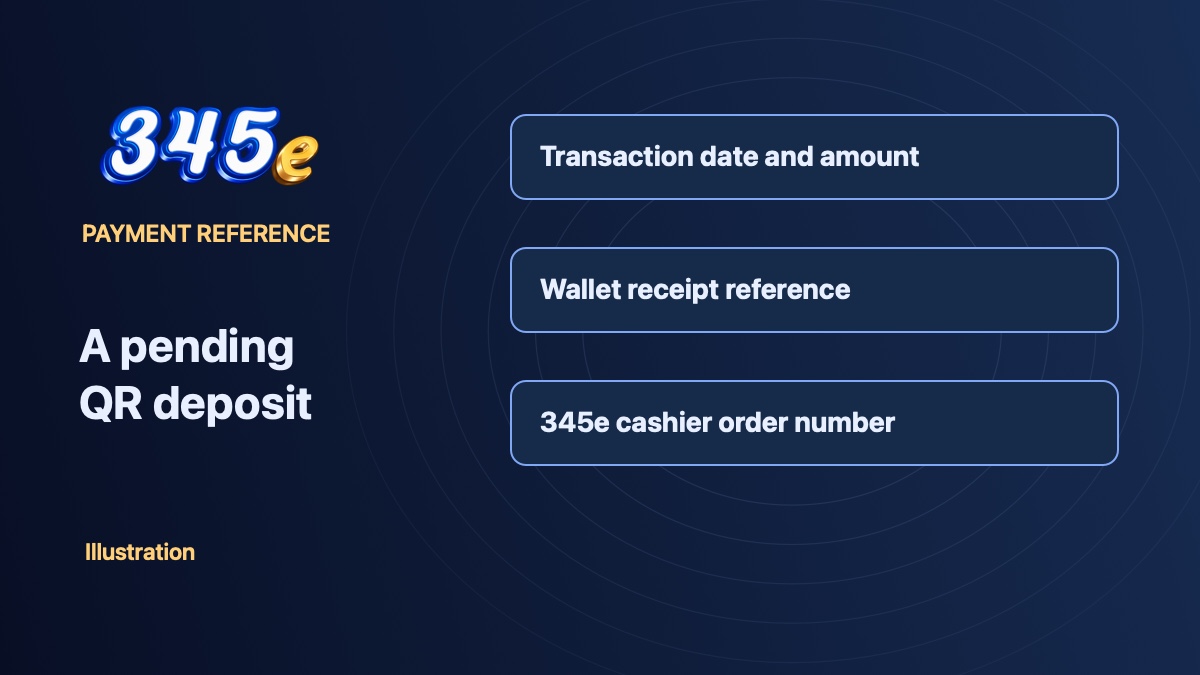 PaymentsWhat to do when a 345e QR deposit is pendingCompare the 345e order and your JazzCash or Easypaisa receipt. If your wallet was charged, use the reference to contact support before paying again.
Where do I open 345e on mobile?
Open the platform in your mobile browser. Use the App & mobile guide to find the Download now entry if you need it.
Where is the first-deposit offer?
Open Promo or tap the 30% first-deposit banner. The offer shows the rules that apply to your account.
What should I do if a QR deposit is missing?
Check whether your wallet was charged. If it was, keep the receipt and give the order reference to Support before paying again.